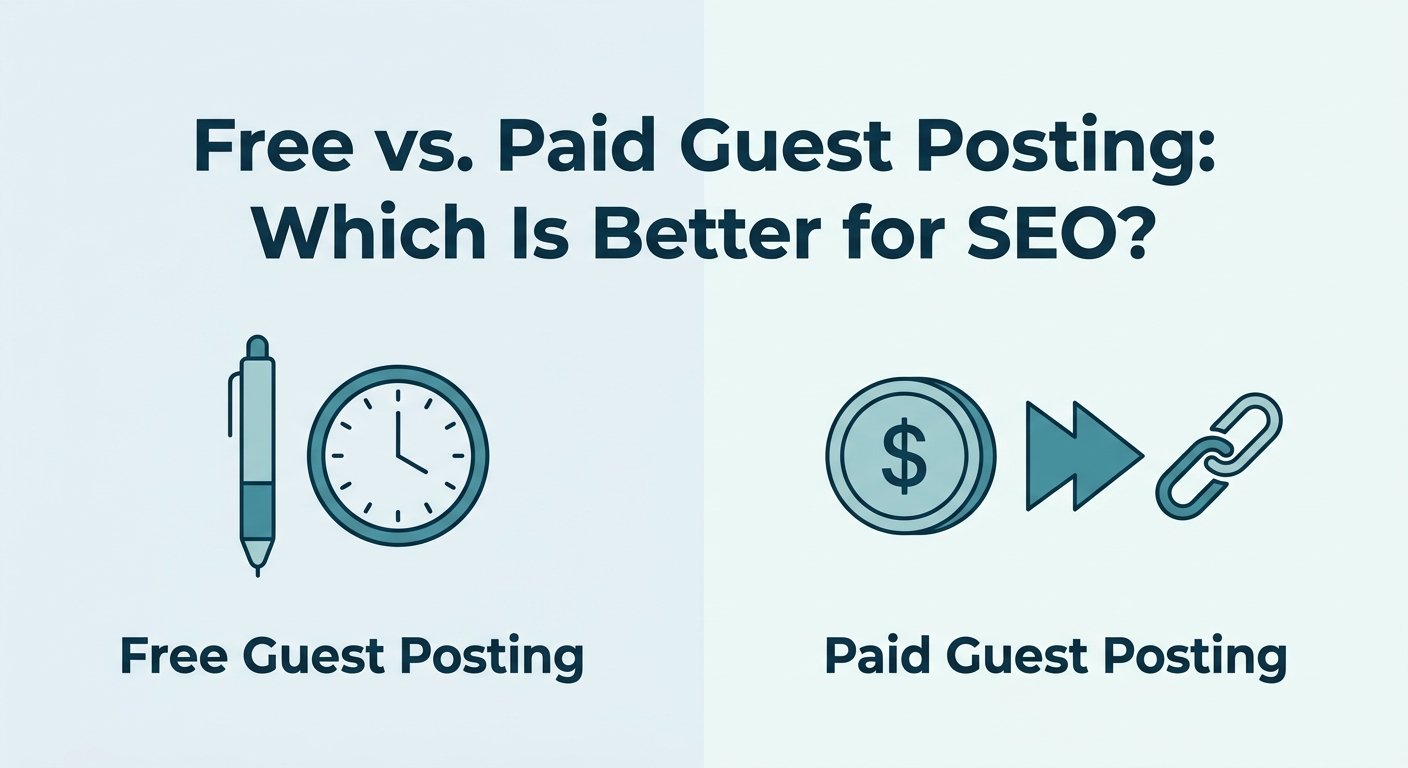


Neither is better on its own. Free guest posting is the slower, safer way to earn editorial links and trust, and paid guest posting is the faster way to reach a real audience, but a paid link should never be counted on to lift your rankings directly. For most small businesses the best answer is a mix, and the right ratio depends on your budget, your deadline and how much staff time you can spare.
That answer surprises people who were told that paid guest posts are dofollow links you can simply buy. Under Google’s rules, they are not. Here is what each approach involves, what Google allows, and how to choose.
Free vs. paid guest posting: the short answer
- Choose free when you have more time than money, you are early in your link-building, and you can write something an editor would want to run.
- Choose paid when you need a specific audience by a specific date, or the best sites in your niche charge for placements.
- Use both when you want brand reach now and editorial links over time. Tag every paid link as sponsored.
What “free” and “paid” guest posting actually mean
A free guest post is an article you pitch to a site that charges no publishing fee. It is not free in practice. You pay with time: finding sites, pitching, writing, revising and waiting. The site decides whether your link stays, how many links you get and where they go.
A paid guest post is a placement where money changes hands, either with the site itself or through an agency. You might write the article or the site might. Either way, you are paying for a post that carries a link to you. A related option is a paid link insertion; see what is link insertion.
If you are new to the format, our guide to what a guest post is covers the basics.
What Google says about paid guest posts
The rule
Google’s spam policies list buying or selling links for ranking purposes as link spam. That includes exchanging money for links, and it includes exchanging money for posts that contain links. The same page says it is not a violation to have such links as long as they are qualified with a rel="nofollow" or rel="sponsored" attribute.
In other words, paying for exposure is fine. Paying for a link that passes ranking credit is the problem.
Google has also warned about this directly. In a 2021 post on link tagging, it said it had seen campaigns of low-quality sponsored and guest posts made mainly to gain links, and that sites publishing or buying excessive sponsored and guest posts without proper link tags could face algorithmic or manual actions.
The same spam policy also lists links with keyword-heavy anchor text placed in articles, guest posts or press releases on other sites as an example of link spam. That applies to free guest posts too.
How to tag a paid link
Google’s guidance on qualifying outbound links says to mark paid placements with the sponsored value. The nofollow value was recommended before and is still acceptable, though sponsored is preferred. Here is what it looks like: Our guide to types of backlinks explains each label.
<a href="https://www.example-dental.com/" rel="sponsored">Example Dental Clinic</a>Put the tag on every link in a paid post, including the one in the author bio.
What this means for SEO: a properly tagged paid link is not built to pass ranking credit. What you are really buying is audience, brand exposure and a relationship with the publisher. Plan around those, and treat any ranking effect as a bonus you cannot count on.
Free vs. paid guest posting compared
| Factor | Free guest posting | Paid guest posting |
|---|---|---|
| Cost | No placement fee, but real writing and outreach time | Placement fee, plus writing if you do not do it yourself |
| Speed | Slow: pitch, wait, revise | Faster, on an agreed timeline |
| Control | Low. The editor can cut or change your link | Higher. Topic and publish date are agreed up front |
| Link treatment | The site decides how it links to you | Must be tagged sponsored or nofollow |
| What you get | A possible editorial link, referral traffic, credibility | Referral traffic, brand exposure, a chosen audience |
| Main risk | Wasted effort, keyword-stuffed anchors | Untagged links, low-quality or link-selling sites |
| Best for | Beginners and tight budgets | Time-sensitive goals and hard-to-crack niches |
A worked example: a dental clinic with a small budget
This is an illustrative scenario, not a client result. A dental clinic in Columbus, Ohio wants more new-patient appointments and has a small monthly marketing budget and a few spare staff hours.
Path 1, free only. The office manager writes two practical articles on children’s dental habits and pitches them to local parenting and health blogs. Some editors say yes, some never reply, and the whole process takes weeks. The wins are relevant readers and, where an editor chooses to link, a natural editorial link.
Path 2, paid only. The clinic books one sponsored feature on a well-read local family-living site, ahead of the launch of Saturday hours. The link carries rel="sponsored". The goal is visits to the appointment page from readers who are already in the area. Any ranking lift is a bonus, not the plan.
The mix that makes sense. Use free outreach for long-term relationships, such as a local dental association blog or a school newsletter. Use the paid placement only for the time-sensitive launch. Each tool gets the job it is good at.
The lesson: match the method to the goal. Free builds slowly and cheaply. Paid buys speed and a chosen audience. If you are working with a small budget, see link building for small businesses.
Which one should you choose?
Start with the goal, then the constraint.
- If your goal is long-term credibility and you have time, lean free. Links that editors give you without payment sit outside Google’s paid-link rules.
- If your goal is traffic or leads by a date, lean paid, and tag the links.
- If your goal is rankings alone, be careful. Buying links to move rankings is exactly what Google’s policy describes as link spam.
- If your site is not ready, fix it first. A guest post sends readers to your pages, so slow or thin pages waste the click. Our SEO audit checklist for before link building shows what to check.
If you would rather not spend your own hours on pitching and vetting, our guest posting service can handle site selection and placement for you.
How to vet any guest post site before you commit
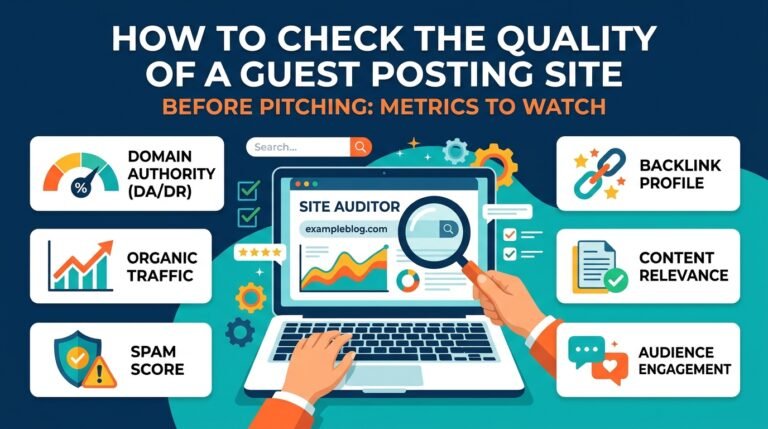
Whether you pay or not, a weak host site wastes your effort. Run these five checks:
- Real audience. Does the site have genuine organic traffic, or only a high-looking score? Look for sudden traffic drops in a third-party estimate tool.
- Topical fit. Does it publish on your subject, or on everything from casinos to car parts?
- Editorial standards. Named authors, recent posts and clear guidelines are good signs. A page that says anyone can pay to publish anything is not.
- Link neighborhood. Open a few posts. If every article links out to unrelated commercial sites, walk away.
- Disclosure. A reputable site labels sponsored content and tags its paid links.
For the full method, see our guide on how to check a guest post site’s real traffic.
FAQs
Does Google penalize paid guest posts?
Paying is not the violation. Untagged paid links that pass ranking credit are. Google has said that sites buying or publishing excessive sponsored and guest posts without proper tags can face algorithmic or manual actions, so tag every paid link with sponsored or nofollow.
Are free guest posts dofollow?
That is up to the site. A free guest post can carry a normal link, but nothing guarantees it, and an editor can remove or change it.
Are paid guest posts worth it?
Yes, when you value audience, brand exposure and speed. No, if the only reason is to buy ranking power, because a properly tagged paid link is not meant to pass it.
How many guest posts should I publish each month?
Google does not publish a safe number. Quality and relevance matter more than volume, and large campaigns built mainly to gain links are what its policies target.
Can I mix free and paid guest posting?
Yes, and many businesses do. Keep paid links tagged, vary your anchor text, and make each post useful to the host site’s readers. Use our guide to what makes a good backlink to judge each offer.
What anchor text should I use?
Use your brand name, your URL or a natural descriptive phrase. Avoid repeating the same keyword-heavy anchor across posts, which is one of the patterns Google’s spam policy calls out.
Final thoughts
Free and paid guest posting are not rivals. Free is the patient route to earned trust, and paid is the quick route to a chosen audience, as long as every paid link is tagged. Pick by goal, check every host site, and keep the content genuinely useful. For the wider picture, read our beginner’s guide to link building.
Need a hand finding the right sites? Talk to NextGen Digital about our guest post service.