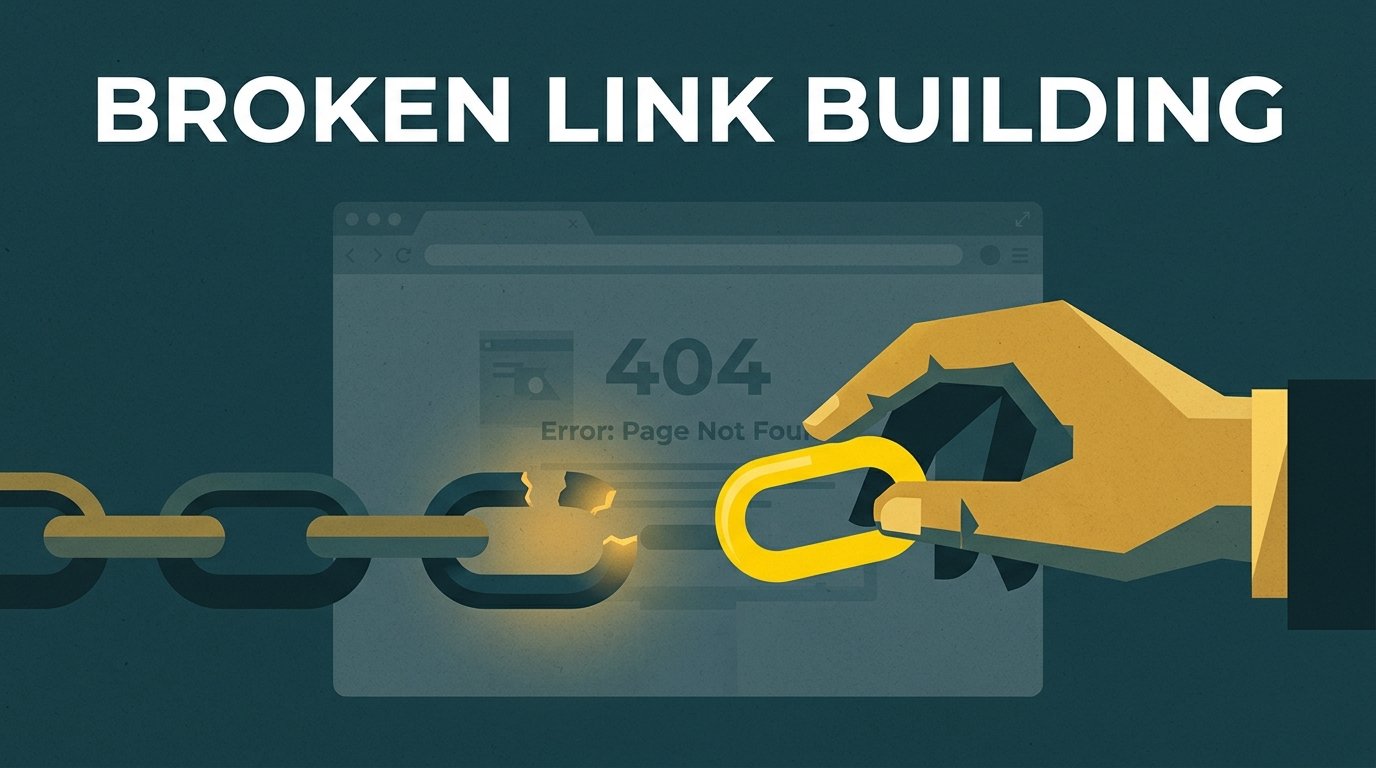


Broken link building is a way to earn backlinks by finding dead links on other websites and offering your own page as a working replacement. The site owner fixes a broken link, and you get a relevant link. It’s one of the safest link building methods because it starts with helping someone, not asking for a favor.
This guide shows you how to do it with free tools, what to write in the email, and where the tactic crosses into territory Google doesn’t like.
What is broken link building?
Every website links out to other pages. Over time, some of those pages get deleted, moved or shut down. The link stays, but it now leads to a “404 Not Found” error.
Broken link building has three parts:
- Find a page in your topic that links to a dead page.
- Make sure you have a page that covers what the dead page covered.
- Tell the site owner about the broken link and suggest your page instead.
You’re not asking for a link out of thin air. You’re pointing out a problem on their site and handing them a fix. That’s why editors reply to these emails more often than to cold link requests.
Why broken link building still works
Links break all the time. A Pew Research Center study published in May 2024 found that 38% of webpages that existed in 2013 were no longer accessible a decade later. It also found that 23% of news webpages and 21% of government webpages contain at least one broken link.
That means there is a steady supply of dead links in almost every industry. A plumbing guide that cited a manufacturer’s old page, a city resource list pointing to a closed business, a blog post linking to a study that moved. Each one is a chance for a better page to take its place.
Broken link building also has a quality filter built in. You only get the link if your page is a genuine fit for the article. That makes these links look natural, because they are.
Start at home: fix your own broken backlinks
Before you look at other sites, check your own. If you deleted or moved a page that other sites link to, those links now point to a 404 page. You’re losing links you already earned.
Here’s how to recover them:
- Open Google Search Console and look at the Pages report for URLs marked “Not found (404).”
- Check which of those URLs have backlinks. A free backlink tool will show you this. We cover the options in how to check your backlinks for free.
- For each dead URL with links, set up a 301 redirect to the closest matching live page.
Google’s documentation on HTTP status codes explains that a 301 redirect is a strong signal that the new URL should be processed, while URLs that return a 404 are dropped from the index. Redirect only to a page that truly replaces the old one. Sending every dead URL to your homepage doesn’t help visitors.
This takes an hour or two and often recovers links faster than any outreach.
How to do broken link building in 6 steps
Step 1: Pick the page you want links to
Start with a page that deserves links: a detailed guide, a checklist, a cost breakdown, a free tool. Service pages rarely work here, because writers don’t link to sales pages from helpful articles.
If you don’t have a strong informational page yet, write one first. Broken link building can’t rescue a thin page.
Step 2: Find pages with dead links in your topic
The best places to look are resource pages and long guides, because they link out a lot. Use Google search operators to find them:
pool maintenance intitle:resources"helpful links" home maintenance"useful resources" + your topic + your city
If you’re new to search operators, our guide to Google search operators explains how to combine them.
Then open each page and run a free broken link checker browser extension, such as Check My Links for Chrome. It highlights dead links on the page in a few seconds.
Step 3: Confirm the link is really dead
Extensions sometimes flag links that work fine, such as pages that block automated checks. Click each flagged link yourself. You’re looking for a clear 404 page, a “site not found” error, or a domain that’s now for sale.
Skip links that redirect to a working page. Those aren’t broken, and the site owner won’t want to change them.
Step 4: See what the dead page covered
Paste the dead URL into the Wayback Machine to see an archived copy. Ask yourself:
- Does my page cover the same topic, at least as well?
- Would the original article still make sense with my link in its place?
If the answer to both is yes, you have a prospect. If your page only loosely fits, move on. A mismatched replacement is easy for an editor to reject.
If you keep finding the same dead resource cited on many sites, it may be worth creating a page that replaces it. That one page can then be pitched to every site that linked to the old one.
Step 5: Check the site is worth a link
A broken link on a weak site isn’t worth your time. Before you write the email, check that:
- The site is relevant to your business or your customers.
- It’s a real site with real content, not a page built only to sell links.
- The page with the broken link is still maintained, or at least still gets visitors.
Our guide on what makes a good backlink has a quick scoring checklist you can use.
Step 6: Send a short, helpful email
Find the right person: the article’s author, the site’s editor or the general contact for a small site. Then send a short email that leads with the broken link and offers your page as one option. The template is below.
Free tools for broken link building
| Task | Free tool | What it does |
|---|---|---|
| Find resource pages | Google search operators | Finds pages that list links in your topic |
| Spot dead links on a page | Check My Links (Chrome extension) | Highlights broken links on the page you’re viewing |
| Check a whole site | Screaming Frog SEO Spider (free version) | Crawls a site and lists outbound links that return errors, up to the free version’s URL limit |
| See what a dead page said | Wayback Machine | Shows archived copies of deleted pages |
| Find your own broken pages | Google Search Console | Lists URLs on your site that return 404 |
| See who links to a dead page | Free backlink checkers | Show a sample of sites linking to any URL |
Paid SEO tools make prospecting faster at scale, but a small business can run a solid campaign with the free tools above.
Broken link building email template
Keep it short, specific and polite. Here’s a template you can adapt:
Subject: Broken link on your [topic] page
Hi [Name],
I was reading your [page title] and noticed that the link to [description of the dead resource] in the [section name] section goes to a “page not found” error.
If you’re looking for a replacement, we have a guide that covers the same topic: [your URL]. It includes [one specific thing it covers that the dead page did].
Either way, I thought you’d want to know about the broken link.
Thanks,
[Your name]
[Your business]
And one follow-up, about a week later, if you hear nothing:
Hi [Name], just a quick follow-up on the broken link on your [page title] page. No worries if you’ve already fixed it. Thanks again.
Send one follow-up only. If there’s no reply after that, move on. For more on outreach etiquette, see our guest posting outreach guide. Most of the same rules apply.
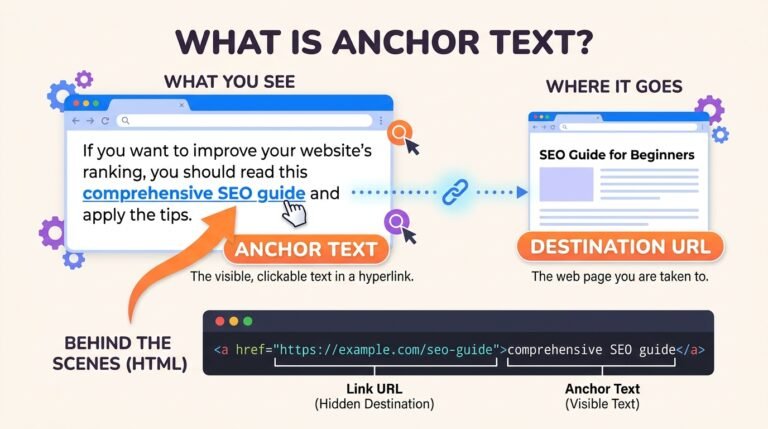
Notice what the email doesn’t do. It doesn’t ask for a specific anchor text, and it doesn’t offer money. Let the editor decide how to link. Your brand name or the page title is the natural anchor (see our guide to anchor text).
Mistakes that turn it into link spam
Broken link building is white hat when you offer a real replacement and let the site owner decide. It stops being safe when:
- You pay for the replacement. If a site asks for a fee to swap in your link, it’s a paid link. Google says paid links should be qualified with
rel="sponsored"orrel="nofollow". A paid link that passes ranking credit violates Google’s spam policies. - You ask for keyword-rich anchor text. Requesting exact-match anchors on every placement is a pattern Google treats as manipulative.
- You send hundreds of identical emails. Mass, unpersonalized outreach annoys editors and gets your domain marked as spam.
- You pitch a page that doesn’t fit. Suggesting a service page to replace a research study wastes the editor’s time and damages trust.
- You create a thin copycat page. Rewriting the dead page badly just to grab its links rarely works and doesn’t help readers.
Worked example: a Sacramento pool service company
Here is how a small pool service company in Sacramento, California, might run its first broken link campaign. This is an illustration, not a client result.
Week 1: fix its own links. In Search Console, the owner finds four old service area pages that return 404 after a site redesign. A free backlink check shows two of them still have links from local directories and a neighborhood blog. He sets up 301 redirects to the new service area page.
Week 2: find prospects. He searches for pool maintenance intitle:resources and "homeowner resources" Sacramento. He finds 15 pages with useful link lists. Check My Links flags dead links on six of them. Three dead links pointed to a pool chemical guide from a retailer that closed.
Week 3: match and pitch. His site already has a detailed guide to balancing pool chemicals. He checks the archived version of the dead guide on the Wayback Machine and adds a short section on chlorine levels that the old guide covered. Then he emails the three site owners with the template above, adjusted for each page.
Week 4: follow up. He sends one follow-up to the sites that didn’t reply. Two of the three sites swap in his guide. One of them is a county homeowner resource page.
Two new links in a month may not sound like much. But they’re relevant, editorial links from sites his customers actually read, and they cost nothing but time.
When to hand it off
Broken link building is slow. Prospecting, checking and emailing take hours for each link you win, and many emails get no reply. It works best as one part of a plan, alongside other methods covered in our guide to link building without guest posting.
If you’d rather put that time into your business, our guest post service places your content on real, relevant websites, with any paid links marked the way Google requires.
Frequently asked questions
Is broken link building white hat?
Yes, when you offer a genuinely relevant replacement and the site owner chooses whether to use it. It becomes a problem only if you pay for the link without marking it as sponsored, or push keyword-rich anchors at scale.
Does broken link building still work?
Yes. Links keep breaking as pages are deleted and sites shut down, so new opportunities appear every year. The catch is that it takes time per link, so it suits businesses that can put in a few hours a week.
What tools do I need for broken link building?
You can start with free tools: Google search operators to find resource pages, a broken link checker extension, the Wayback Machine and Google Search Console. Paid tools like Ahrefs or Semrush help you find prospects faster at scale.
How do I find broken links on other websites?
Search for resource pages and long guides in your topic, then run a broken link checker extension on each one. Click every flagged link to confirm it’s really dead before you reach out.
What if I don’t have a page that matches the broken link?
Move on to the next prospect, or create a page if the same dead resource appears on several sites. One strong replacement page can be pitched to every site that linked to the old one.
How many follow-up emails should I send?
One. Wait about a week after your first email, send a short reminder, and then move on if there’s no reply.
The short version
Broken link building means finding dead links on relevant sites and offering your page as the fix. Start by redirecting your own broken pages that still have links. Then find resource pages in your topic, confirm the dead links, match them with a page that truly fits, and send one short, helpful email plus one follow-up.
It’s slow but safe, and the links it earns are the kind Google wants to count. When you want to add more placements without spending hours on outreach, see our guest post service or contact us to talk through a plan.