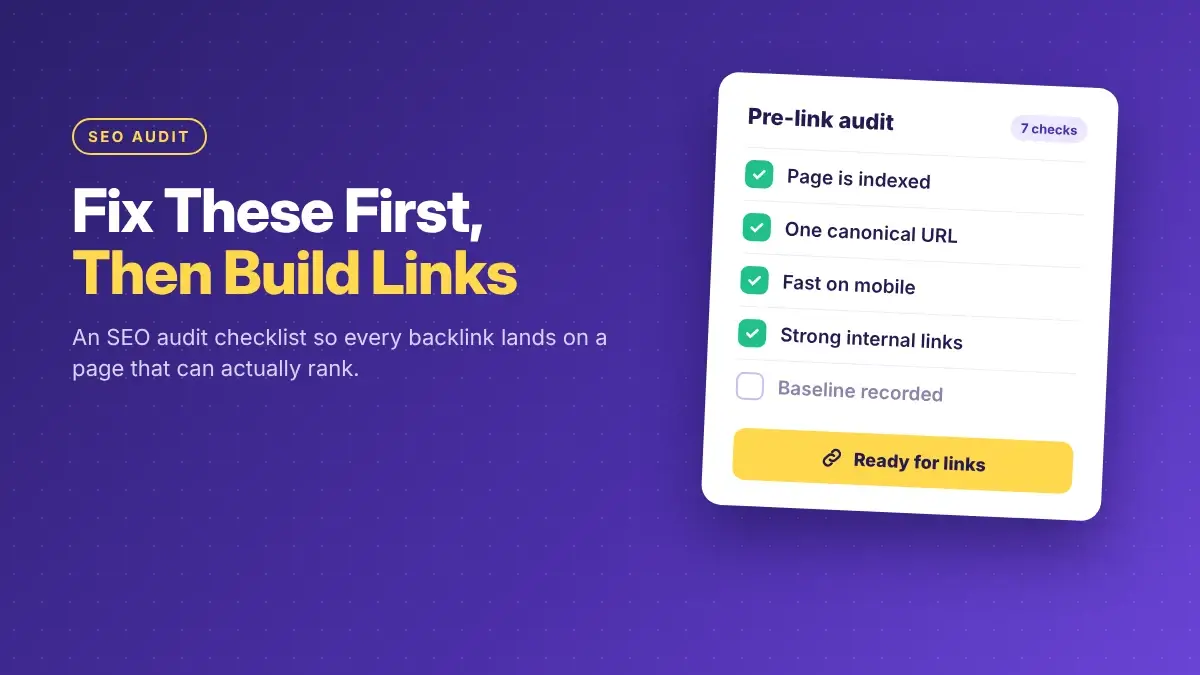


Links help a page rank, but they can’t help a page Google can’t index, load or understand. Before you spend money on guest posts or outreach, check seven things in this order: indexing, duplicates and redirects, speed, the target page itself, internal links, content gaps, and a baseline to measure against.
Most of these checks take a few minutes each in Google Search Console. The rest need a free crawler and a careful look at the pages you want to rank.
Before you start
You’ll need three things:
-
Google Search Console access for your site. It’s free and shows how Google actually sees your pages.
-
A site crawler such as Screaming Frog (free up to 500 URLs) or the site audit in Ahrefs or Semrush.
-
A list of your target pages: the three to ten pages you plan to build links to.
Keep that list short. Link building works best when it points at a few pages that matter, not your whole site.
Step 1: Make sure Google can index the page
This is the one check that can make a link completely worthless. If the page isn’t in Google’s index, it can’t rank, no matter how many sites link to it.
Check the Page indexing report
In Search Console, open Indexing > Pages. It splits your URLs into indexed and not indexed, with a reason for each.
Then paste each target page into the URL Inspection tool at the top. It should say the URL is on Google.
If a target page shows up as not indexed, find out why before you build a single link. Common reasons include:
- Excluded by ‘noindex’ tag: someone told Google to skip the page.
- Crawled, currently not indexed: Google saw the page and chose not to index it, often because it looks thin or too similar to another page.
- Duplicate without user-selected canonical: Google thinks another URL is the main version.
Look for accidental noindex and robots.txt blocks
A leftover noindex tag from a staging site is one of the most common reasons a good page never ranks. Check the page source, or let your crawler list every page with a noindex tag.
Also open yoursite.com/robots.txt and make sure it isn’t blocking folders that hold your important pages.
Clean up your XML sitemap
Your sitemap should list the pages you want in search, and only those. Remove redirected URLs, 404s, and noindexed pages. Submit it under Indexing > Sitemaps and check that Google reads it without errors.
Example (illustrative): A plumbing company buys three guest posts pointing at its “water heater repair” page. Two months later, nothing has moved. A quick URL Inspection shows the page carries a noindex tag left over from a site redesign. Every one of those links was pointing at a page Google had been told to ignore.
Step 2: Fix duplicates, redirects and broken pages
Links pass value to a specific URL. If that URL is a duplicate, a redirect, or a dead page, some of the value gets lost or split.
Set clear canonical URLs
If the same content lives at several URLs (with and without www, with tracking parameters, HTTP and HTTPS), Google picks one as the main version. Make that choice for it.
Google’s documentation on canonical URLs treats permanent redirects and rel="canonical" tags as strong signals, and sitemap inclusion as a weaker one. It also recommends linking internally to the canonical version.
Pass: each target page has a self-referencing canonical tag, and the URL Inspection tool shows Google agrees with your choice.
Remove redirect chains
A chain is when page A redirects to B, which redirects to C. Run your crawler and point every redirect straight at its final destination.
When you build links, always use the final URL. Never give a host site an address that redirects.
Rescue old pages that already have links
Open your backlink tool and filter for links pointing to pages that return 404. Those are links you’ve already earned and are wasting. Redirect each dead URL to the closest relevant live page with a 301.
This is often the fastest “link building” you’ll ever do, because the links already exist.
Step 3: Check speed and mobile
A slow or awkward page won’t stop a link from counting, but it can stop visitors from staying. That matters for referral traffic from every guest post.
In Search Console, open Core Web Vitals. It groups your URLs as Good, Needs improvement or Poor, using real visitor data. Google’s web.dev guidance sets these “good” thresholds, measured at the 75th percentile of page views:
| Metric | What it measures | Good |
|---|---|---|
| Largest Contentful Paint (LCP) | How fast the main content loads | 2.5 seconds or less |
| Interaction to Next Paint (INP) | How quickly the page responds to taps and clicks | 200 milliseconds or less |
| Cumulative Layout Shift (CLS) | How much the layout jumps while loading | 0.1 or less |
Small sites often don’t have enough traffic for this report. In that case, test target pages in PageSpeed Insights and fix the obvious issues first: oversized images, too many plugins, and pop-ups that cover the content on phones.
Also open each target page on your own phone. Text should be readable without zooming, and buttons should be easy to tap.
Step 4: Check the page you want links to
This step gets skipped the most. Before you send links to a page, ask whether it deserves to rank.
- Does it answer the search query near the top? If someone searching your keyword lands here, do they find the answer in the first screen?
- One clear H1 and a unique title tag that matches what the page is about.
- A meta description that tells searchers what they’ll get.
- Enough substance. Compare it with the top three results for the keyword. If they’re detailed guides and yours is three paragraphs, links alone won’t close that gap.
If the page fails these checks, fix the page first. Links make good pages stronger. They rarely rescue weak ones.
Step 5: Fix internal links
Internal links decide how value flows around your site after it arrives. A backlink to your homepage helps your service pages only if the homepage links to them clearly.
- Every target page should get internal links from at least a few related pages, not just the menu.
- Use descriptive anchor text like “water heater repair” instead of “click here.”
- Find orphan pages. Your crawler can list pages with no internal links pointing to them. An orphan target page is a weak place to send links.
- Link to the canonical URL, not a redirected or parameter version.
Step 6: Close content gaps
Search your keyword and read the top three results. Make a list of what they cover that you don’t: pricing, examples, steps, FAQs, comparisons.
Add what genuinely helps your reader. Don’t copy their structure or pad the page. The goal is a page that a stranger would happily link to on its own merits, because that’s also the page that converts the visitors your links bring in.
Step 7: Record a baseline
Without a starting point, you can’t tell whether your links worked. Before the first link goes live, note for each target page:
- Clicks, impressions and average position in Search Console (Performance, filtered by page)
- The main keywords it ranks for and their positions
- Organic sessions and conversions in your analytics
- The number of referring domains in your backlink tool
Save it in a simple spreadsheet with the date. Check again at regular intervals. Link effects usually take weeks or months to show.
Priority order: what to fix first
You don’t have to fix everything before building links. Fix what blocks them first.
| Priority | Issue | Why |
|---|---|---|
| Fix before any links | Target page not indexed, noindex tag, blocked by robots.txt | Links to the page can’t help it rank at all |
| Fix before any links | Linking to a redirect or a duplicate URL | Value is split or lost along the way |
| Fix soon | Thin target page, no internal links to it | Links help, but far less than they could |
| Fix soon | Poor Core Web Vitals, broken mobile layout | Referral visitors leave before converting |
| Ongoing | Content gaps, meta descriptions, old 404s with links | Steady improvements that compound |
If you’d rather have someone run these checks for you, our SEO audit delivers a technical and on-page report with fixes listed in order of impact.
Then build links
Once your target pages are indexed, fast enough, well linked internally and worth reading, links can do their job. You’ll also be able to see their effect clearly, without technical problems muddying the results.
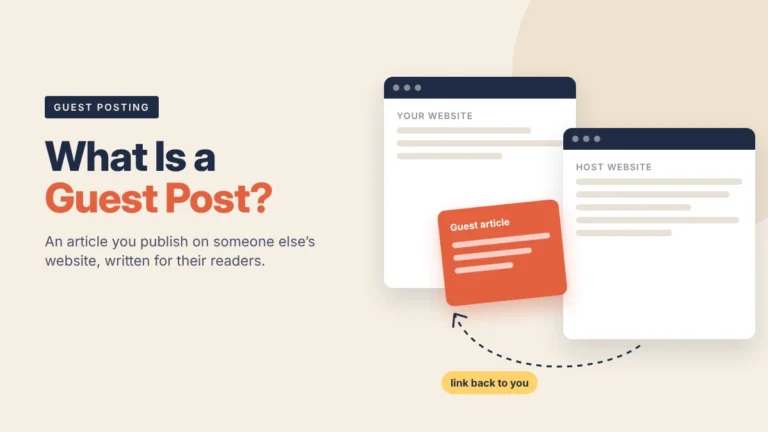
If you’re new to this, start with what a guest post is and how it works. Before paying for any placement, use these checks to see if a guest post site has real traffic.
FAQs
How long does a basic SEO audit take?
For a small site with a handful of target pages, the checks in this list take one to two hours. Fixing what you find can take much longer, especially technical issues that need a developer.
Do I need paid tools to run this checklist?
No. Google Search Console and PageSpeed Insights are free, and Screaming Frog’s free version crawls up to 500 URLs. Paid tools help mainly with backlink data and larger sites.
Can I build links while fixing other issues?
Yes, as long as the target page is indexed and you’re linking to its final, canonical URL. Speed and content fixes can run alongside your link building.
What if my page says “Crawled, currently not indexed”?
Google has seen the page and chosen not to index it yet. Improve the content, make sure it isn’t too similar to another page on your site, and add internal links to it. Then request indexing with the URL Inspection tool.
Should I link to my homepage or to specific pages?
Mostly to the specific pages you want to rank. Homepage links still help your brand, but service pages and guides usually need their own links to compete for their keywords.
How often should I repeat this audit?
Run it before every new link-building campaign, and after any site redesign or migration. Those are the moments when noindex tags and broken redirects tend to slip in.
The short version
Before you build links, make sure the page is indexed, has one clear URL, loads well on phones, deserves to rank, gets internal links, and has a baseline to measure against. Fix what blocks links first, then let the links do their job.
Ready for the next step? See how our guest posts work, with sites checked for real traffic before they go on our list.